
Can I Use a CPU Cable for My GPU?
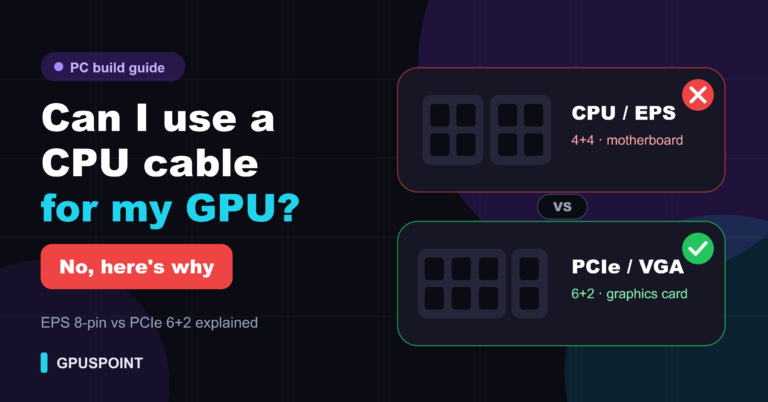
No. You can’t use a CPU (EPS) power cable for your GPU. Both are 8-pin, and they look almost the
Simple GPU guides: temperatures, fixes, upgrades and buying advice
Removing, installing and upgrading a graphics card.
No. You can’t use a CPU (EPS) power cable for your GPU. Both are 8-pin, and they look almost the
To switch to your dedicated GPU, open Windows Settings > System > Display > Graphics, select the app or game,
What PCIe generation really changes for graphics cards, how much performance you lose on PCIe 4.0 or 3.0, and which budget cards are most affected.
How to remove a GPU from the motherboard in 9 steps: power down, unplug PCIe cables, unscrew the bracket, press the PCIe latch and lift the graphics card out.
How to install a graphics card in 10 steps: check compatibility, remove the old GPU, seat the new card in the PCIe x16 slot, connect power and install drivers.
No, GPUs do not usually come with power cables. The power supply provides PCIe 8-pin or 12V-2×6 cables; many cards include an adapter. Here is what your GPU needs.